Overview
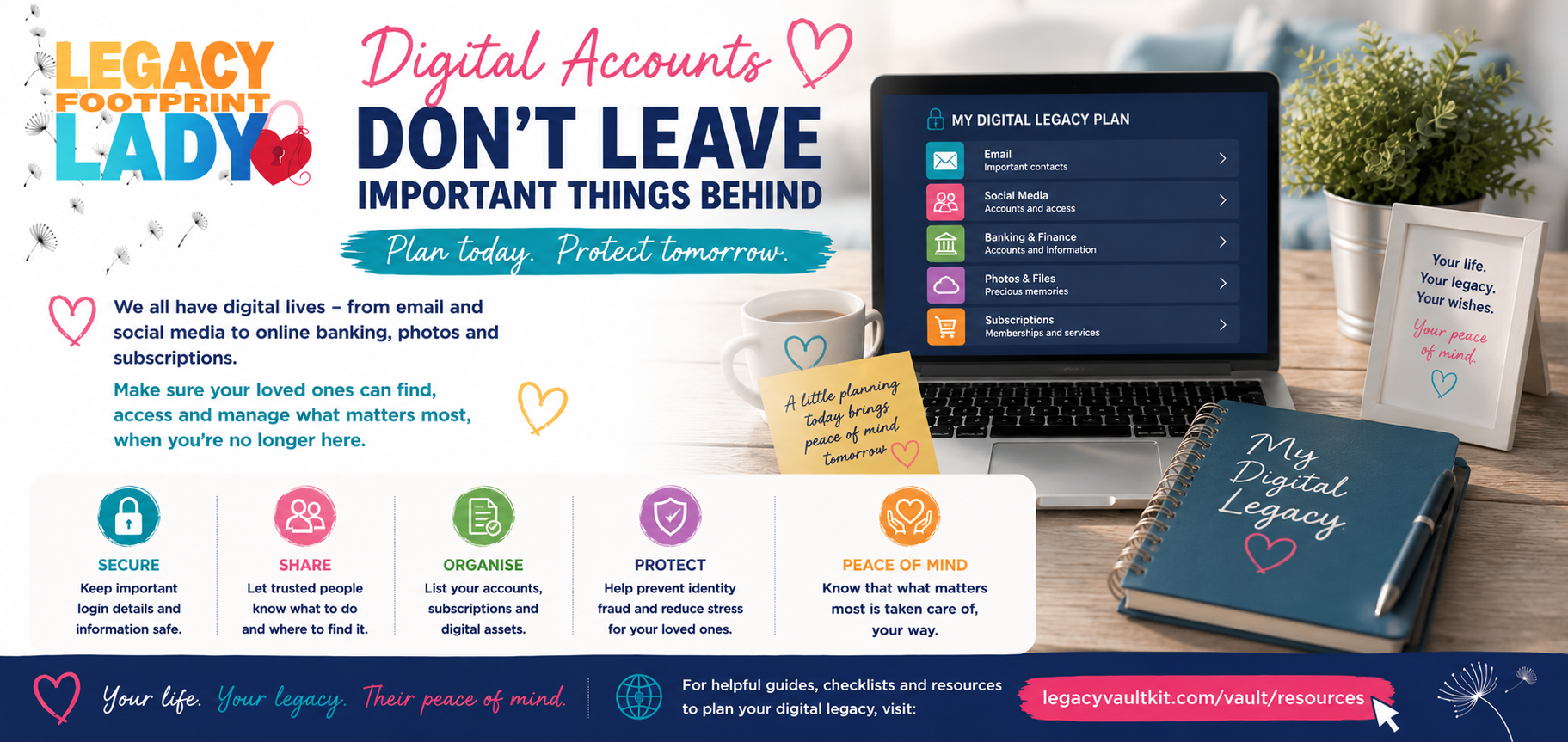
Most of us have dozens of digital accounts: email, social media, online banking, photo storage, streaming services, and more. When someone dies, these accounts do not simply disappear. Some contain valuable assets, precious memories, or important information. Others continue to charge monthly fees. This guide explains what happens to digital accounts after death and how to plan ahead so your family is not left struggling.
Why This Matters
Digital accounts are one of the most overlooked parts of estate planning. Without a clear record of what accounts exist and how to access them, your family may be unable to retrieve precious photos, cancel subscriptions, or close accounts in your name. Some platforms have specific processes for dealing with deceased users. Planning ahead protects your digital legacy and saves your family significant time and distress.
Key Facts
- The average person has over 100 online accounts.
- Most social media platforms have a process for memorialising or deleting accounts after death.
- Online banking accounts are subject to the same probate rules as physical bank accounts.
- Subscriptions continue to charge until they are cancelled.
- Some digital assets, such as cryptocurrency, can be lost permanently if access details are not recorded.
- Google, Apple, and Facebook all have legacy contact or inactive account manager features.
- Sharing passwords in a will is not recommended for security reasons.
- A digital executor can be named in your will to manage your digital assets.
Step by Step
- 1
Make a list of all your digital accounts
Start by listing every digital account you have: email, social media, online banking, investment platforms, photo storage, streaming services, shopping accounts, and subscriptions. Include the platform name, username or email address, and any notes about what the account contains.
- 2
Set up legacy contacts or inactive account managers
Many major platforms allow you to nominate a legacy contact or inactive account manager who can access or manage your account after your death. Google has an Inactive Account Manager, Apple has a Legacy Contact, and Facebook allows you to designate a legacy contact. Set these up now while you can.
- 3
Decide what you want to happen to each account
Think about what you want to happen to each account after your death. Do you want your social media profiles memorialised or deleted? Do you want your photos passed on to family members? Do you want your email account closed? Record your wishes clearly.
- 4
Record access information securely
Do not record passwords in your will, as wills become public documents after probate. Instead, use a password manager or store access information in a secure, encrypted location such as Legacy Vault Kit. Tell your Trusted Person where to find this information.
- 5
Consider cryptocurrency and digital assets
If you hold cryptocurrency or other digital assets, these can be lost permanently if access details are not recorded. Unlike a bank account, there is no customer service team to help recover a lost cryptocurrency wallet. Record the details of any digital assets and how to access them in a secure location.
- 6
Cancel subscriptions you no longer need
Review your subscriptions regularly and cancel any you no longer use. After your death, your family will need to cancel remaining subscriptions. Having a list of all subscriptions, including the provider, cost, and how to cancel, makes this much easier.
Keep all your digital documents and notes in one secure place. Your family will know exactly where to look when it matters most.
Frequently Asked Questions
- Can my family access my email after I die?
- This depends on the email provider. Most providers will not give access to a deceased person's email without a court order, even to close family members. Google's Inactive Account Manager allows you to grant access to a trusted person. For other providers, your family may need to contact the provider directly with a death certificate.
- What happens to my Facebook account when I die?
- Facebook allows you to designate a legacy contact who can manage your memorialised profile. You can also request that your account be deleted after your death. If neither is set up, Facebook may memorialise the account automatically when notified of your death.
- Can I leave digital assets in my will?
- Yes, in principle. You can leave digital assets such as cryptocurrency, digital art (NFTs), or online business accounts in your will. However, the practical challenge is ensuring your executor can actually access them. Record access details securely and tell your executor where to find them.
- What is a digital executor?
- A digital executor is someone you appoint to manage your digital assets and accounts after your death. You can name a digital executor in your will. They can be the same person as your main executor or someone different who is more technically confident.
- Is it safe to store passwords in my vault?
- Legacy Vault Kit uses secure, encrypted storage for sensitive information. You should never store passwords in a will (which becomes a public document) or in an unencrypted document. A secure digital vault is a much safer option than a paper list.
- What about online shopping accounts with stored payment details?
- Online shopping accounts such as Amazon, eBay, or PayPal should be closed after death to prevent fraudulent use. Your family will need to contact each provider with a death certificate. Any credit balances should be refunded to the estate.
Official Resources
These links go directly to official government and trusted organisation websites.
- Google Inactive Account ManagerSet up a trusted contact to access your Google account after deathGoogle
- Apple Legacy ContactDesignate someone to access your Apple account data after your deathApple
- Facebook MemorialisationHow to manage a Facebook account after someone passes awayFacebook
- Citizens Advice digital assetsGuidance on dealing with digital assets and online accounts after a deathCitizens Advice
How Legacy Vault Kit Can Help
Legacy Vault Kit has a dedicated Digital section where you can record all your digital accounts, subscriptions, and online assets. You can note what you want to happen to each account, record access information securely, and store instructions for your Trusted Person. This means your digital legacy is protected and your family will not be left searching through devices and paperwork trying to piece together your online life.